



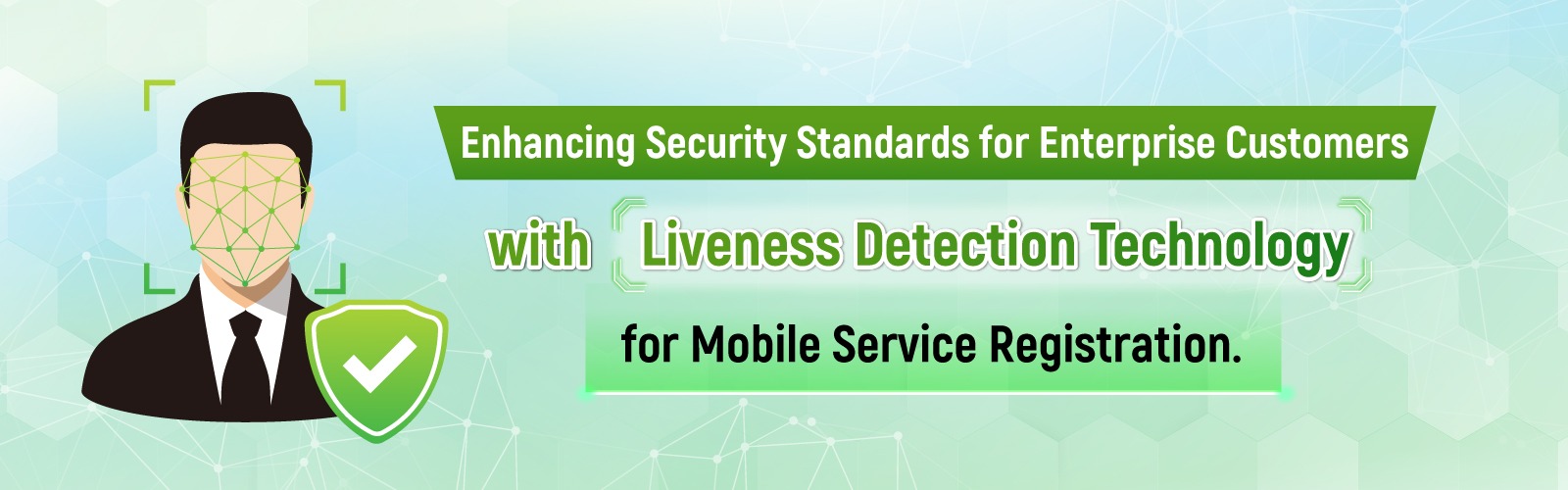
For SIM card registration, the authorized director or designated representative of your organization is required to complete LIVENESS facial verification using Liveness Detection technology.
This guidelines enhances the highest level of security for users and helps prevent potential fraud by ensuring identity verification through Liveness Detection technology for mobile service registration. It is implemented in accordance with the “NBTC Guidelines for the Registration and Retention of Mobile Phone Service Users” (NBTC Resolution No. 5/2568 dated 19 February 2025).
In order to complete Company Registration through the self-service process in compliance with the new NBTC regulations, the authorized director or designated representative of your organization is required to complete registration and identity verification via the ThaID application before proceeding with the LIVENESS facial verification process through the AIS eBIZ KYC.
Please visit https://www.bora.dopa.go.th/app-thaid/ for more information about the self-service process to complete registration and identity verification via the ThaID application
You can complete your identity verification by accessing the AIS eBizKYC through 2 channels:
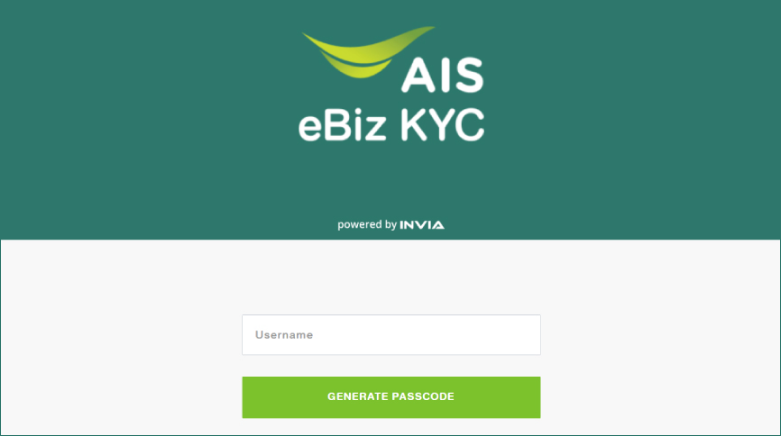


Download the AIS eBiz KYC application via the App Store or Google Play
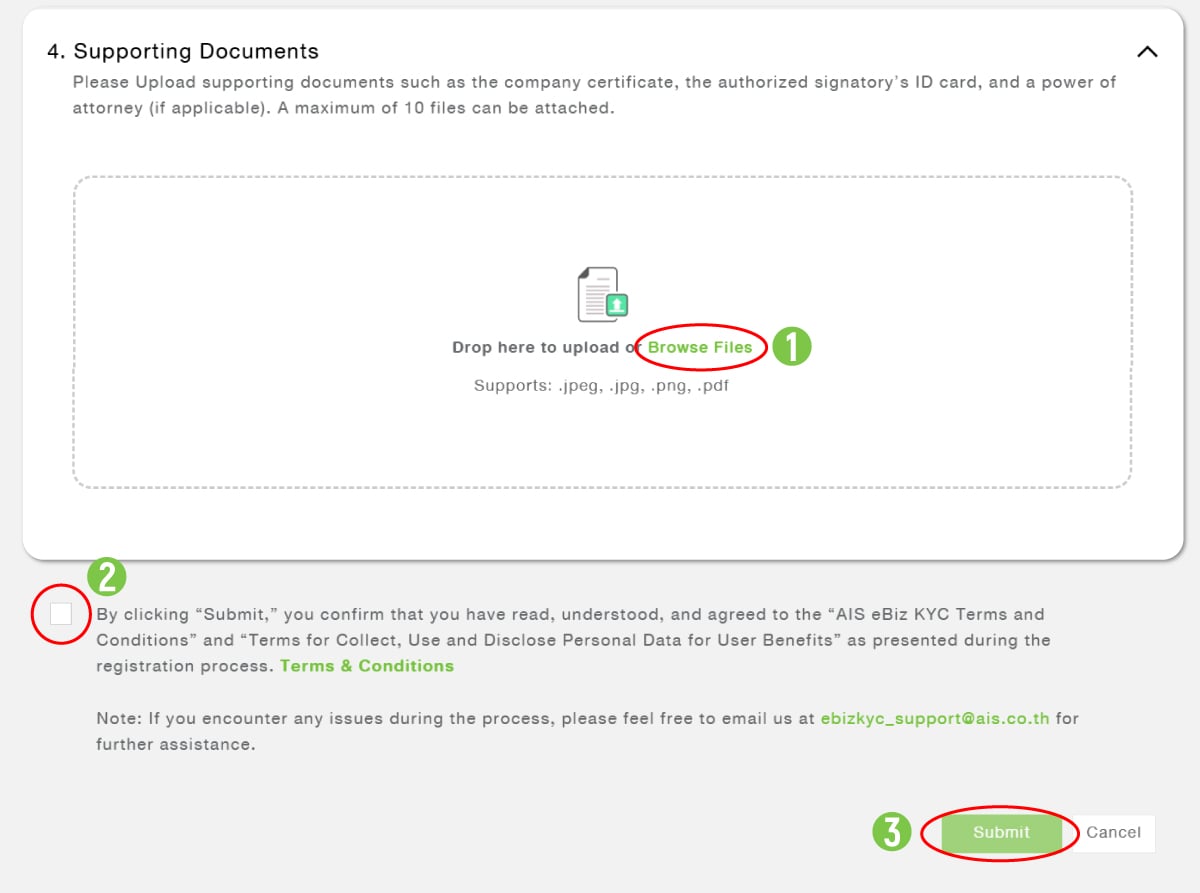
Before beginning the process, please prepare the required documents in PDF or JPG format, you may upload up to 10 files, with a maximum size of 10 MB per file.
The required documents are listed below:
- A copy of the company’s registration, certified as a true copy by the authorized signatory and affixed with the company seal (if applicable).
- A copy of the national ID card of the authorized signatory, or a copy of the passport for non‑Thai nationals, certified as a true copy.
Additional documents in case of authorization
- A copy of the Power of Attorney, certified as a true copy by the authorized representative.
- A copy of the national ID card of the authorized representative, or a copy of the passport for non‑Thai nationals.
How to Process Identity Verification

via Website เว็บไซต์ https://ebizkyc.ais.co.th
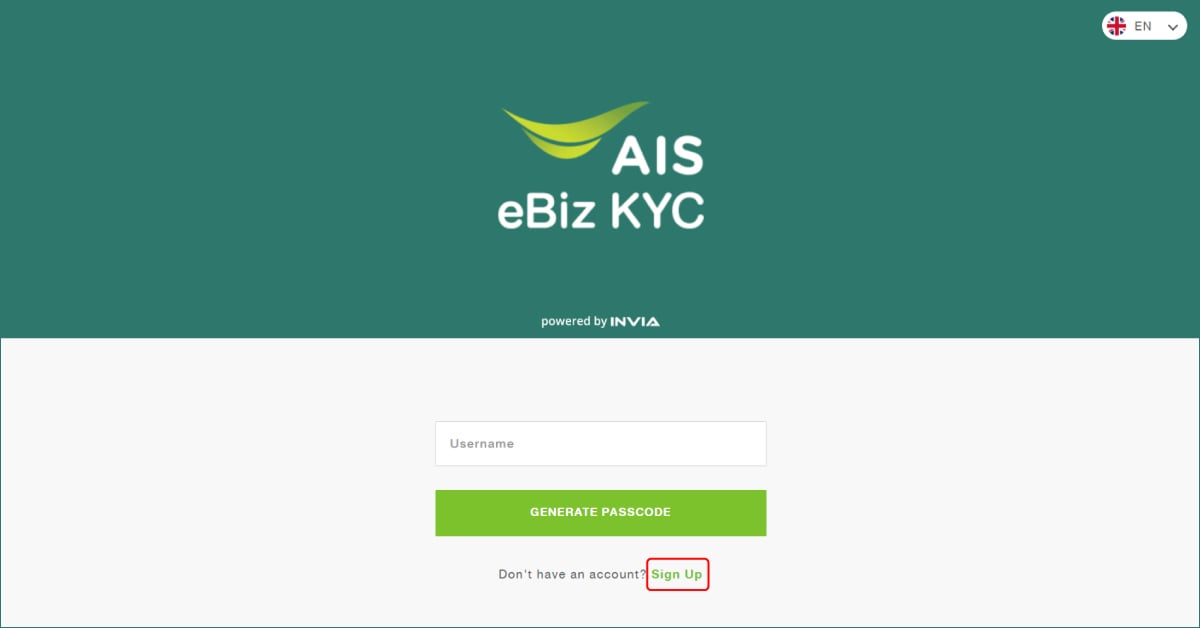

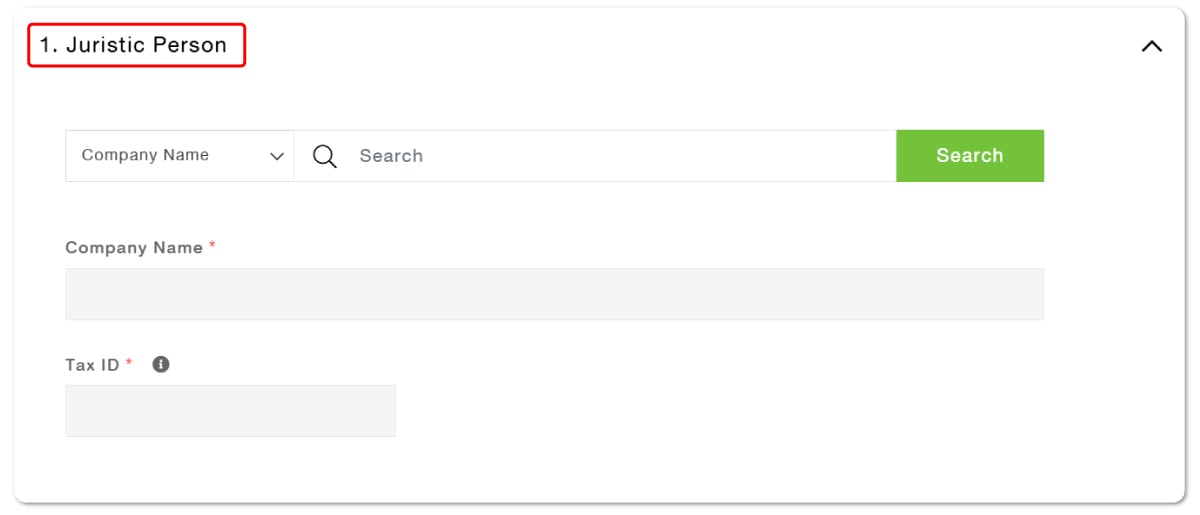
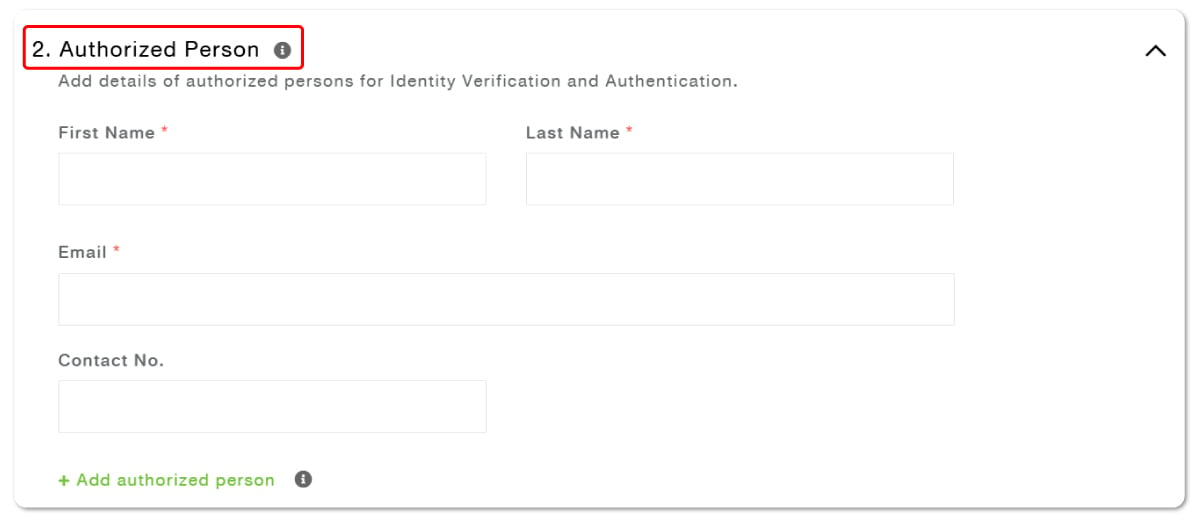
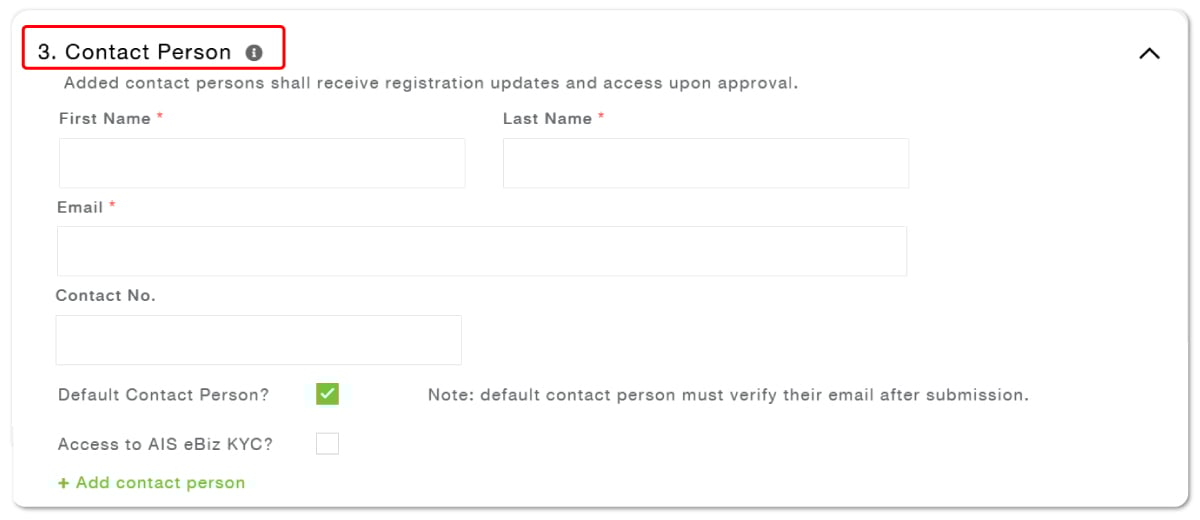


Via the AIS eBIZ KYC mobile application, available on iOS and Android

By scanning the QR code in the email using your mobile phone

By clicking the link in the email and continuing the process on your current device
FAQ
In order to complete Company Registration through the self-service process in compliance with the new NBTC regulations, the authorized director or designated representative of your organization is required to complete registration and identity verification via the ThaID application before proceeding with the LIVENESS facial verification process through the AIS eBIZ KYC.
"For mobile numbers registered under an enterprise account that have already completed registration and identity verification via the the AIS eBIZ KYC, no further action is required. However, for any mobile numbers that have not yet completed the verification process, the authorized director or designated representative of your organization must first complete registration and identity verification through the ThaID application before proceeding with the LIVENESS facial verification through the AIS eBIZ KYC."
For an enterprise customer who has already completed the verification process at AIS Shop for all mobile numbers registered under the company/organization account, no further action is required.
In cases in which only some mobile numbers have been verifiedFor example, if your company/organization has 10 mobile numbers registered under an enterprise account and the verification process has been completed at AIS Shop for 5 numbers while the remaining 5 numbers have not yet been verified:For these 5 mobile numbers, if you wish to proceed through the AIS eBIZ KYC, the authorized director or designated representative must first complete registration and identity verification via the ThaID application before proceeding with the LIVENESS facial verification through the AIS eBIZ KYC.
Yes. If your company or organization wishes to register new mobile numbers, the authorized director or designated representative must first complete registration and identity verification via the ThaID application before proceeding with the LIVENESS facial verification through the AIS eBIZ KYC in order to complete the new number registration.
For Thai nationals: The original Thai National Identification Card of the authorized director or designated representative.
A passport can be used only by foreign nationals.
The authorized director or designated representative must first complete registration and identity verification via the ThaID application before proceeding with the LIVENESS facial verification through the AIS eBIZ KYC.
In order to complete Company Registration through the self-service process in compliance with the new NBTC regulations, SIM registration must be complete by registering and verifying identity via the ThaID application first.
No, it is not allowed.
Yes. The customer will need to follow the new procedures. The system has already been updated in accordance with the NBTC announcement, so identity verification must be completed by registering and verifying identity via the ThaID application before continuing with any further verification steps.


© 2026 Advanced Info Service PLC. All rights reserved.